Roughpad
Quick notes for busy people
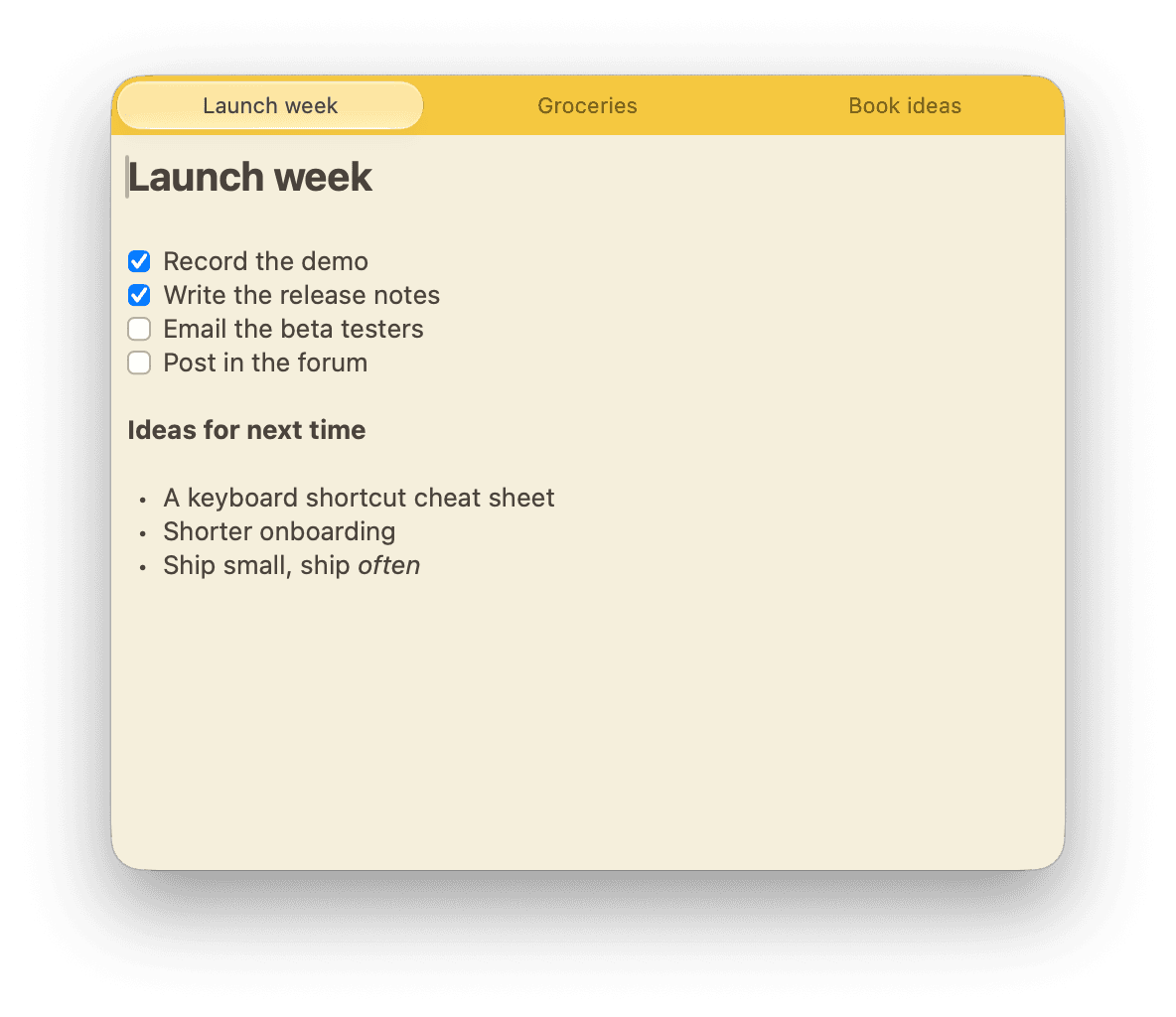
A small yellow window you summon with a global hotkey, with one rich-text note per tab.
Download for MacVersion 1.1.10 · macOS 14 or later
Features
One hotkey away
Press ⇧⌘D and the note floats above every window, even full-screen apps, without leaving their Space. Press it again to hide it.
A note per tab
Open, close, reorder and jump between tabs with the shortcuts you already know from your browser.
Rich text that stays Markdown
Headings, lists, checklists, quotes, code and images, with Markdown shortcuts as you type. Every note is a plain .md file on your Mac.
Find anything
Search the current note with ⌘F, or every note at once with ⌘P.
Sync, if you want it
Sign in with Google to keep notes, tabs and images the same on every Mac. Without an account, everything stays local.
Private when you share
Roughpad hides itself from screen recordings, screenshots and screen sharing, so you can keep notes open on a call without anyone else seeing them.
Keyboard shortcuts
- Show, focus or hide the note
- ⇧⌘D
- New tab
- ⌘T
- Close tab
- ⌘W
- Jump to a tab
- ⌘1–9
- Search all notes
- ⌘P
- Float on top
- ⌥⌘F